

📱 Mobile App – 2026

Dghs2 App — Betting & Casino in Your Pocket, Anywhere You Go

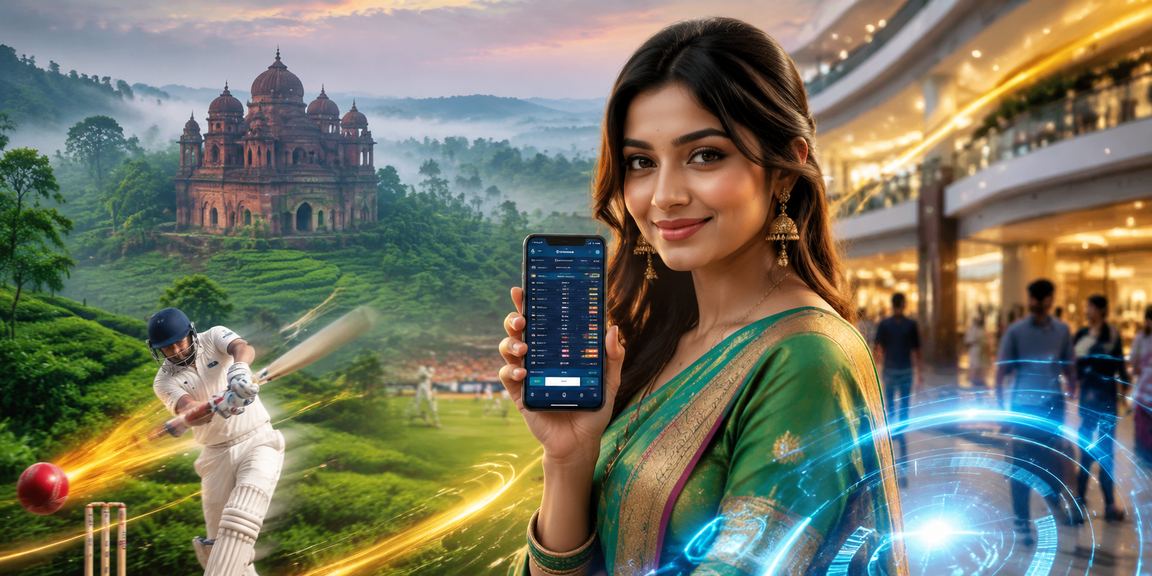
Works on both Android and iOS — loads quickly, uses less data, and gives you all features in one place.

Download Android APK
Download iOS / iPhone

Or use your mobile browser dghs2.bet Open — the browser version is just as capable.

Live Matches148+
dghs2 App
Live: Bangladesh vs India
BANIND
2.85
3.40
1.95
+146 Markets →
Rating4.8 ⭐
500K+
Total Downloads
4.8/5
Average Rating
<1 Second
App Load Time
Every week
New Update
dghs2

Key App Features

Everything you get on the web — now on the dghs2 app, only faster and smoother

🏏
Live Sports Betting

Cricket, football, tennis — bet at real-time odds across all sports. Odds update after every ball.

🃏
Live Casino

Baccarat, Roulette, Dragon Tiger — play with live dealers in HD video. Full-screen viewing on mobile included.

📱
BKash & Nagad Payments

Deposit and withdraw directly from the app using bKash, Nagad, or Rocket. Your balance is topped up in just 3 minutes.

🔔
Push Notifications

Get instant notifications for match starts, goals, wickets, and bonus offers. Never miss an opportunity.

🚀
Crash Games

Aviator, Spaceman, Mines — smooth animations on mobile. Cashing out on a touchscreen has never been easier.

🎰
5,000+ Slot Games

From classic to video slots, jackpots to mega spins — all slot games available in full resolution on mobile.

🌐
Offline Stats

Even without an internet connection, you can view recent match statistics and your betting history.

🔒
Fingerprint Login

No more typing your password every time. Log in instantly with your fingerprint or Face ID in just one second.

dghs2

How to Install

Install the dghs2 app on your phone in just a few simple steps

1
Enable "Unknown Sources" in Settings

On your Android phone, go to Settings → Security → Unknown Sources and turn it on. This allows you to install third-party APK files.

On Android 8+: Settings → Apps → Special Access
2
Visit dghs2.bet

Open dghs2.bet in Chrome or any browser on your phone, then tap the "Download Android APK" button.

3
Download the APK File

The download will begin. The file is typically 20–30 MB and completes quickly.

File size: ~25 MB
4
Tap the Downloaded File

Go to your notifications or file manager and tap the dghs2.apk file. Installation will begin.

5
Tap the "Install" Button

Tap "Install" in the installation prompt. The app installs in seconds and the icon will appear on your home screen.

The dghs2 APK is completely safe and virus-free. Every release goes through rigorous security testing before it reaches you.

1
Open dghs2.bet in Safari

Use Safari on your iPhone or iPad. Other browsers may not have the "Add to Home Screen" option.

2
Tap the share icon at the bottom

Tap the Share icon at the bottom center of the screen (the box with an arrow pointing up).

3
Select "Add to Home Screen"

Find "Add to Home Screen" in the menu and tap it.

In Bengali: Add to Home Screen
4
Tap the "Add" Button

Tap "Add" in the top-right corner. The dghs2 icon will be added to your home screen.

5
Tap the icon to open the app

Tapping the dghs2 icon on your home screen opens it full-screen, just like a native app.

Dghs2 works brilliantly as an iOS PWA — you get the full experience, including all features, live betting, and payments.

1
Open Any Browser

Open Chrome, Firefox, Samsung Internet, or any modern browser. No special installation needed.

2
Go to dghs2.bet

Type dghs2.bet in the address bar. The site will automatically display the mobile-optimized version.

3
Bookmark This Page

Bookmark the site in your browser or create a home screen shortcut for quick access anytime.

4
Log in or Register

Log in if you already have an account, or sign up for a new one. Registration takes just 2 minutes.

The dghs2 mobile web version works just as well as the app — access every feature without any installation.

dghs2

App vs Mobile Browser

Easily Find Out Which One to Use

Features Android App IOS PWA Mobile Browser
Live Sports Betting
Live Casino
Push Notifications
Fingerprint Login
Offline Stats
Loading Speed Fastest Fast Standard
Data Saving
BKash/Nagad Payment
Installation Required Yes (Easy) Home Screen No
App Rating Analysis
Performance
4.8
Design
4.7
Accessibility
4.9
Payment
4.9
Live Betting
4.8
Support
4.6

4.8
⭐⭐⭐⭐⭐
Based on 8,940+ User Reviews
Latest Android Version
v4.2.1 (June 2026)

What Our Users Are Saying

What Users Are Saying About the dghs2 App – Real Reviews

⭐⭐⭐⭐⭐

"I used to play on the browser, and it would take forever to load. Once I installed the dghs2 app, the difference was clear. During IPL, I can see the odds update on every ball with zero loading. Baccarat runs without a hitch too."

Ra
Rafi Ahmed
Dhaka, Mirpur
⭐⭐⭐⭐⭐

"Being able to deposit and withdraw via bKash directly from the app is a huge plus. I used to have to open a separate browser. Now everything's in one place. After cashing out, the money arrives within 5 minutes."

Sa
Saiful Islam
Chattogram, Halishahar
⭐⭐⭐⭐⭐

"Installed it as a PWA on my iPhone. Opening it from the home screen feels just like a native iOS app. I get notifications during Bangladesh matches. The dghs2 app genuinely works great."

No
Nahid Hasan
Sylhet
⭐⭐⭐⭐⭐

"I mostly play Aviator. The animations on the app are super smooth. I'd occasionally notice a bit of lag on the website, but there's none of that on the app. Tapping the cash-out button is effortless."

Ta
Tanvir Karim
Rajshahi
⭐⭐⭐⭐

"The fingerprint login feature is fantastic. I used to type my password every single time, but now one touch is all it takes. It probably saves a bit of data too — runs great on mobile data."

Mu
Muntasir Rahman
Khulna
⭐⭐⭐⭐⭐

"The dghs2 app runs perfectly fine on my old Samsung A13. I can watch Live Casino in HD with no freezing at all. It's clear they've optimized performance even for budget phones."

Sha
Shakib Mahmud
Cumilla
dghs2

Technical Specifications

Dghs2 is built using the latest mobile technology

Android App Specifications

Minimum Android VersionAndroid 5.0 (Lollipop)
File Size~25 MB
Latest Versionv4.2.1
RAM RequiredMinimum 1 GB
Storage50 MB (including cache)

IOS PWA Specifications

Minimum iOS VersioniOS 12.0+
Supported DevicesiPhone 6s+, iPad Air 2+
Safari VersionSafari 14+
Storage Required~30 MB

Frequently Asked Questions

Yes, the dghs2 app is completely free to download and use — no charges apply. A separate deposit is required to place bets or play casino games.

The dghs2 app runs on all devices with Android 5.0 or above. It performs well even on older models like the Samsung Galaxy J series or Redmi Note series. For live video streaming, a phone with at least 2 GB RAM is recommended.

The app will notify you automatically whenever a new update is available. dghs2 rolls out minor updates weekly and a major update every month, bringing new features, performance improvements, and security patches.

Yes, the dghs2 app offers the same full game library as the web version — Sports Betting, Live Casino, slots, crash games, and e-sports are all fully available.

The most common issue on Android is Unknown Sources being turned off. Go to Settings → Security → Unknown Sources and enable it. If the problem persists, reach out to dghs2's 24/7 live chat support — help is available in Bangla.

Dghs2 Mobile App — What Sets It Apart?

Smartphone usage in Bangladesh has grown so much that most people now spend more time on their phones than on a laptop or computer. With that reality in mind, dghs2 has built its mobile app from the ground up — it's not just a mobile version of the website, but a fully optimized, standalone mobile experience.

Dghs2 works just as well on older phones. Even on a device with 2 GB RAM, you can watch Live Casino, play Aviator, and check ball-by-ball odds for cricket. That's one of dghs2's biggest strengths.

Mobile Betting – Why Use the App?

During a cricket match, you might be on a bus, at the office, or at a tea stall with friends. Opening a laptop just isn't an option. But with the dghs2 app, you can pull out your phone and place a bet in seconds.

Speed is everything in live betting. After a wicket falls, good odds last only a matter of seconds. The dghs2 app's fast loading helps you capitalise on those moments.

Fingerprint Login — Small Feature, Big Difference

Many bettors use strong passwords for security but end up struggling every time they log in. The fingerprint login feature on the dghs2 app solves that problem entirely. Set it up once, and from then on, a single touch gets you in.

Push Notifications — Never Miss an Opportunity

The push notification feature on the dghs2 app is especially useful. Turn on notifications so you never miss a Bangladesh match — you'll get reminders before the match starts, alerts when a wicket falls, and instant notifications for special bonus offers.

  • Reminder notification 30 minutes before match kick-off.
  • Instant updates on major events for your favorite team.
  • Notifications for deposit bonuses and promotional offers.
  • Confirmation notification once a withdrawal is completed.
  • Live odds boost alerts.

Dghs2 App — Data-Efficient

Mobile data costs can add up in Bangladesh, and dghs2 has taken that into account. The app uses data compression technology that consumes less data than regular web browsing — without compromising on the full HD experience.

All things considered, the dghs2 app has become a truly essential tool for bettors in Bangladesh. Everything is right there on mobile — deposits, betting, casino, withdrawals — and dghs2 makes it all simple, fast, and reliable.

📱

Download the dghs2 App Today

Free on both Android and iOS. Over 500,000 people are already using it — join them today.

বাংলা